

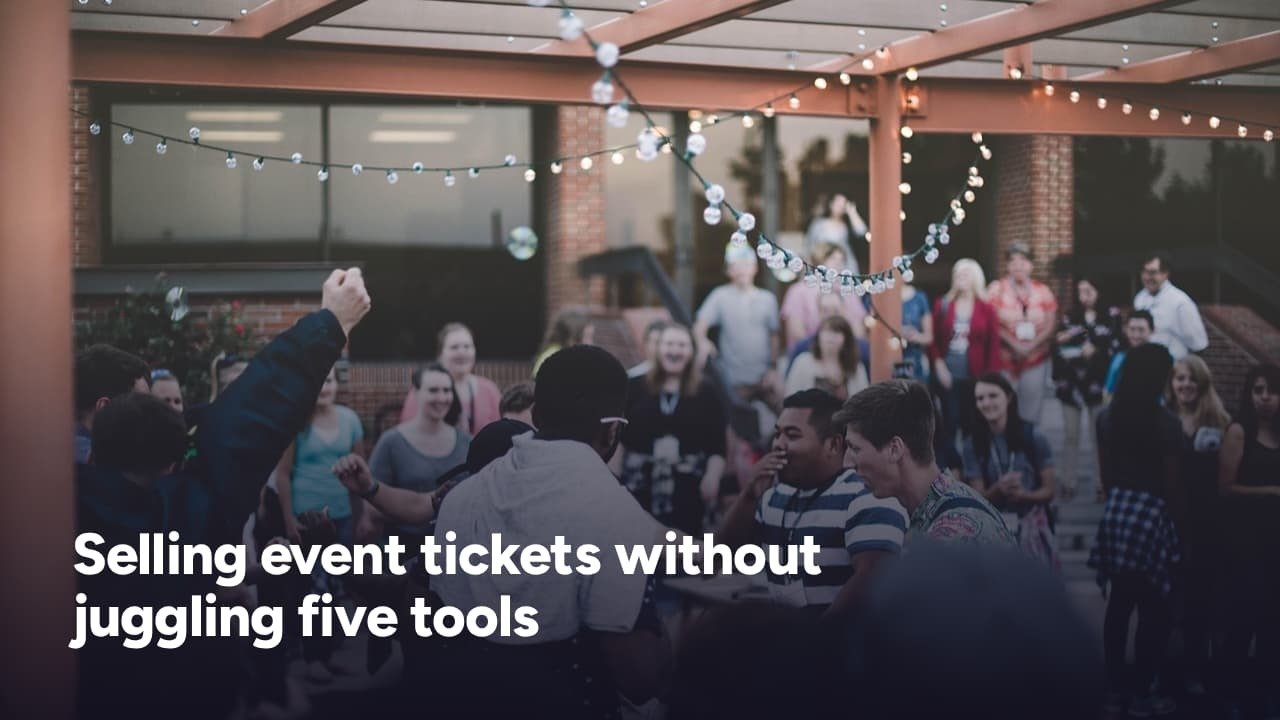
“Every update in PosterMyWall Fall 2026 removes a step, a workaround, or a separate app.”
Anyone who has organized a church supper, a fundraiser or a Friday night band show knows the pattern. One tool designs the flyer. Another schedules the social posts. A third sends the email reminders, a fourth hosts the event page, and a fifth sells the tickets. Each subscription is reasonable on its own. Together they become a stack that the organizer, who is usually also the designer and the marketer, has to keep in sync.
PosterMyWall, a marketing and design platform for small businesses, is betting that the stack can be replaced by a single workspace. Its Fall 2026 release, announced on October 28, adds event ticketing alongside new AI editing tools and full timeline video editing. For organizers looking for an Eventbrite alternative, the ticketing piece is the one that changes the conversation.
The five-tool problem
Small organizers rarely have a marketing department. They are local businesses, churches, nonprofits, community groups and bands, and the person running the event is often the same person making the poster. The work does not stop at selling seats. A flyer has to be designed, an event page has to exist, announcements and reminders have to reach registrants, and posts have to go out across social channels.
That is the gap PosterMyWall is aiming at. Its 30 million+ users worldwide include bars and restaurants, churches, independent retailers, bands, health and beauty businesses and professional services providers. The platform bundles free design templates, event calendars and ticketing, social media and email marketing, with AI tools running through all of it.
The pitch is not a better ticketing engine. Eventbrite is strong at ticketing and attendee management, but an organizer using it still needs separate tools for promotional design, email campaigns and social scheduling. PosterMyWall puts design, social, email, event pages and ticketing in one workspace, so a single subscription covers both promotion and ticket sales.
What event ticketing does
With the new ticketing feature, organizers can sell free or paid tickets directly from their event page. They can set capacity limits and collect custom registration details, such as names, phone numbers and dietary needs, in one checkout. The event page is the same one used for promotion, so the flyer, the page, the emails and the tickets all point to one place.
Several details matter for anyone weighing the option:
Organizers set their own ticket prices, with paid tickets starting at $10. Paid ticketing needs a Premium or Premium Plus plan, and runs through Stripe, so organizers connect a Stripe account to get paid. Fees are shown upfront, before the buyer completes a purchase, with no hidden costs.
Payouts arrive twice a month. Revenue lands in the linked Stripe account on the 1st and 15th, at least seven days after the event ends. That is worth planning around for a fundraiser that needs funds at a particular moment, and it is the kind of detail an organizer comparing platforms will want to know in advance.
Every ticket arrives by email as a QR code. Organizers can collect payment in advance or at the door and scan guests in on event day, which removes the printed lists that have to be cross-checked by hand. Ticketing is available now for US users only.
Promotion built into the same page
The marketing side is where the single-platform argument gets practical. The same event page that sells tickets can be shared to Facebook, Instagram and TikTok, sent by email, or embedded on a website without switching platforms. An organizer can start from an event template, design the flyer, poster and social graphics, turn that design into a shareable event page, send announcement and reminder emails to registrants, schedule posts and sell tickets without leaving the platform.
For a small team, that sequence matters as much as any single feature. Each handoff between tools is a place where details drift: a date changed on the flyer but not the page, or a reminder email that links to an old version. Keeping everything tied to one event page is meant to remove those seams.
AI tools for people who are not designers
The other half of the release is aimed at the organizer who has to make the materials. PosterMyWall AI Edit lets users select any element in a design, describe the change they want, and have the AI update just that element, with no redesign and no separate image editor. AI Upscale turns blurry images into crisp, high-resolution visuals in one click, so a photo is ready for flyers, posters and signage. The company says it has quickly become one of the platform’s most-used tools.
The release also improves multi-select, so users can edit several elements at once from a single menu, and adds a smoother stock panel for finding and dragging in photos, videos and graphics. New QR code styles are designed to fit the rest of a design.
For promotion beyond a static flyer, full timeline editing lets users trim clips, arrange scenes and set exactly when each element appears, in the same editor they already use for flyers and social posts. AI Animate adds movement to a single sticker, image or graphic while the rest of the design stays still, and new AI Voice options let users add voiceovers without recording or hiring talent.
PosterMyWall also opened more of its tools to free users. Content Planner, sign-up forms and mailing lists are now available to all free users, which means more cost-conscious businesses can plan content and grow an audience without committing to a subscription.
The philosophy behind it
“Our job is to make marketing so seamless that small business owners glide from one step to the next without thinking about it,” said Jaffer Haider, cofounder of PosterMyWall. The release describes the goal as taking owners from idea to published campaign in one smooth process, covering design, video, social posting, email, event calendars and ticketing.
That is a clear departure from the usual way small organizers assemble their tools, one problem at a time. It is also a reasonable approach to a real constraint: the people running community events have limited hours, and every extra login costs some of them.
Who it fits, and who it may not
The honest comparison is about the type of organizer. The company points to community events, church events, fundraisers, local shows and workshops as the best fit, where the organizer is also the designer and the marketer. In those cases, one subscription covering the flyer, the page, the emails, the social posts and the tickets is the draw.
It is equally worth being upfront about the other end of the market. Very large, high-volume events with advanced scan-in needs may be better served by a dedicated ticketing platform. And because ticketing is currently available only in the US and requires a paid plan, organizers elsewhere, or those who want to sell tickets on a free plan, will need to look at their options accordingly.
For the organizer in between, the one comparing tools and tired of stitching five of them together, the question is simple: does one workspace that handles promotion and ticket sales beat a best-in-class tool for each job? For small events where the same person does everything, PosterMyWall is making the case that it does. More details on the Fall 2026 updates are available at postermywall.com.
Almost there. Sign in and your reply posts straight away.
Start Selling Online with ShopOpen24
Are you a small business owner or entrepreneur? Discover seller opportunities and connect with customers through ShopOpen24.
Explore ShopOpen24 →ShopOpen24 | Local Products. Global Reach.






Leave a Reply