
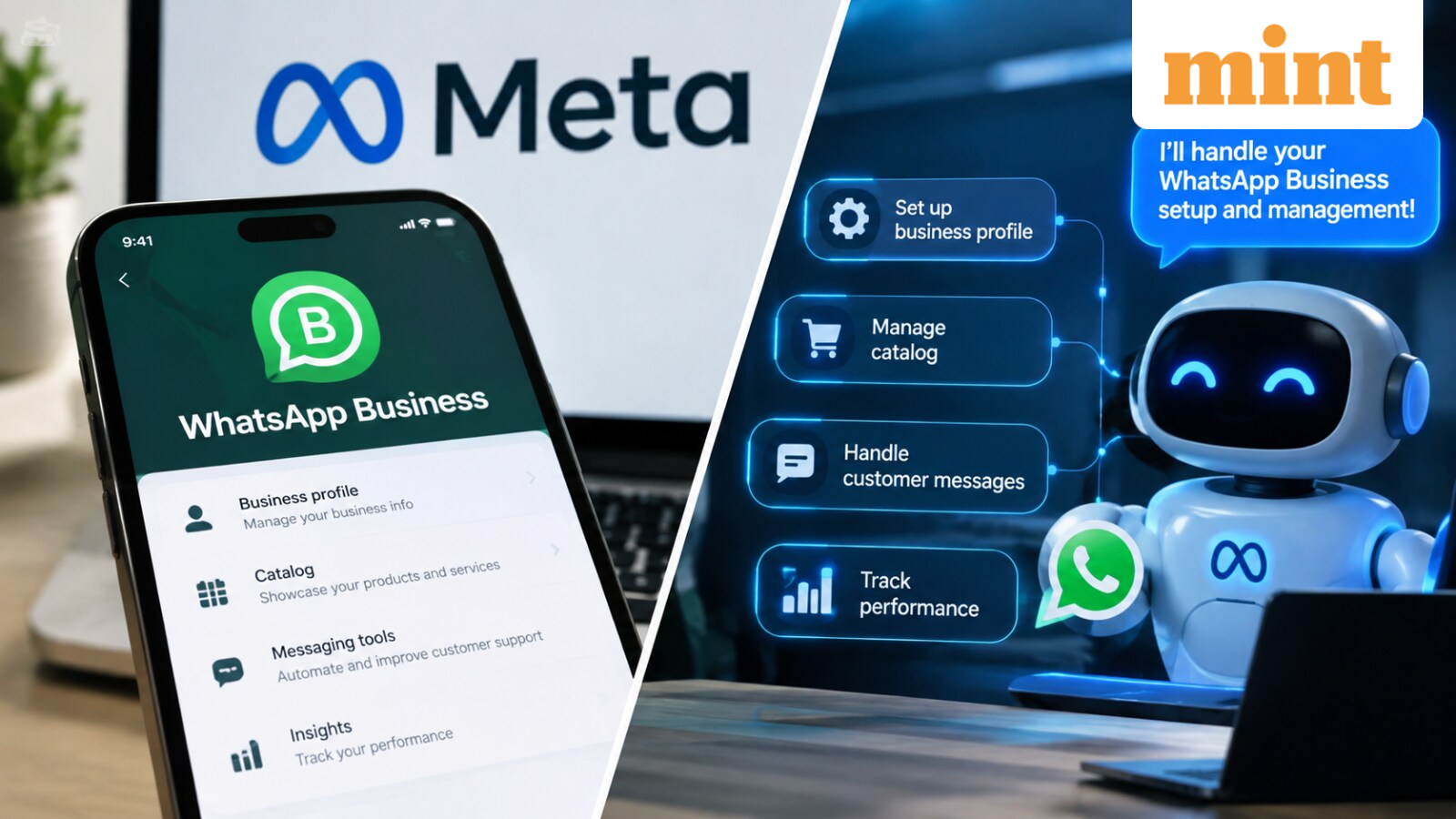
Meta has launched a new approach for businesses to establish WhatsApp Business messaging with the assistance of AI agents. The tech giant on Tuesday, via the Meta for Developers blog, introduced the WhatsApp Business Tools MCP (Master Code Platform), a tool that integrates AI coding agents such as Claude, Cursor, Codex and ChatGPT with the WhatsApp Business Platform.
The new tool aims to make WhatsApp Business integration easier. Instead of switching between Meta’s Developer Console, Business Manager, API documentation, and a code editor, developers can describe what they need to an AI agent and let it handle much of the setup.
AI agent can set up WhatsApp Business
Meta said the WhatsApp Business Tools MCP will enable users to create a WhatsApp Business Account, add and verify a phone number, register it to the Cloud API and review the necessary WhatsApp Terms of Service.
The agent can also determine if there are missing items, such as payment methods and business verification. This may help developers identify problems in setups before they begin testing their integration.
The MCP checks the authentication and permissions in the process, Meta said. Users log in via Facebook Login for Business and grant specific permissions. Changes to account settings require an authenticated user, the company said.
Templates, webhooks and testing
Businesses can also use the AI agent to develop and customise WhatsApp message templates. The user can explain the template they need, and the agent will create it and inform them of the template’s approval status.
The tool also allows you to test messages and webhooks. Developers can set up callback URLs and field subscriptions and determine if their WhatsApp integration is working properly. All calls to the tools are recorded; reads are made in the user’s own access context.
Meta expands its MCP tools
WhatsApp Business Tools MCP is an addition to Meta’s existing Meta Social Technologies MCP, which assists developers in identifying Graph API endpoints, searching documentation and troubleshooting errors.
In cases where developers require WhatsApp-specific tools and API support, the two MCP servers are recommended for use together.
It is being implemented in stages and is not yet accessible to everybody. Meta also said the feature is not a production messaging-at-scale solution but rather for development and testing environments. Currently, the WhatsApp Business Tools MCP can be found on Claude, Codex and ChatGPT.













Leave a Reply