Video has become the default format for training, marketing, and product education across every industry. A tool built only a few years ago could translate subtitles, but it could not touch the audio or the speaker’s mouth movements.
Today’s leading platforms handle transcription, translation, voice cloning, and lip-sync in a single workflow. That shift turns a process that once took weeks and thousands of dollars per language into something a small team can finish before lunch.
Chapters
What Changed in AI Video Translation This Year
The biggest shift in 2026 is how many platforms now bundle lip-sync into standard plans instead of charging it as a premium add-on. Voice cloning quality has also improved enough that most listeners cannot reliably tell a cloned voice from the original speaker in a blind test.
How We Compared These Tools
Each platform below was evaluated on four criteria: translation and voice quality, lip-sync accuracy, language coverage, and pricing transparency. We also looked at whether a tool works from existing footage, generates new avatar-led video, or does both.
| Tool | Languages | Lip-Sync | Best For | Starting Price |
|---|---|---|---|---|
| Synthesia | 140+ | Yes, neural lip-sync | Business dubbing and avatar video | Free tier; paid plans for enterprise features |
| Colossyan | 100+ | Yes, avatar regeneration | Training and e-learning | Free tier; paid plans from $19/month |
| Rask AI | 130–135+ | Yes, on paid tiers | Multi-speaker corporate content | From $50/month |
| ElevenLabs Dubbing | 90+ | Limited, audio-first | Voice quality and narration | From $6/month (Starter) |
| Papercup (RWS) | 70+ | Basic | Broadcast and media localization | Custom quotes only |
| CAMB.AI | 150+ | Available | Developer and API infrastructure | Usage-based |
1. Synthesia: Best Overall for Business Video Translation
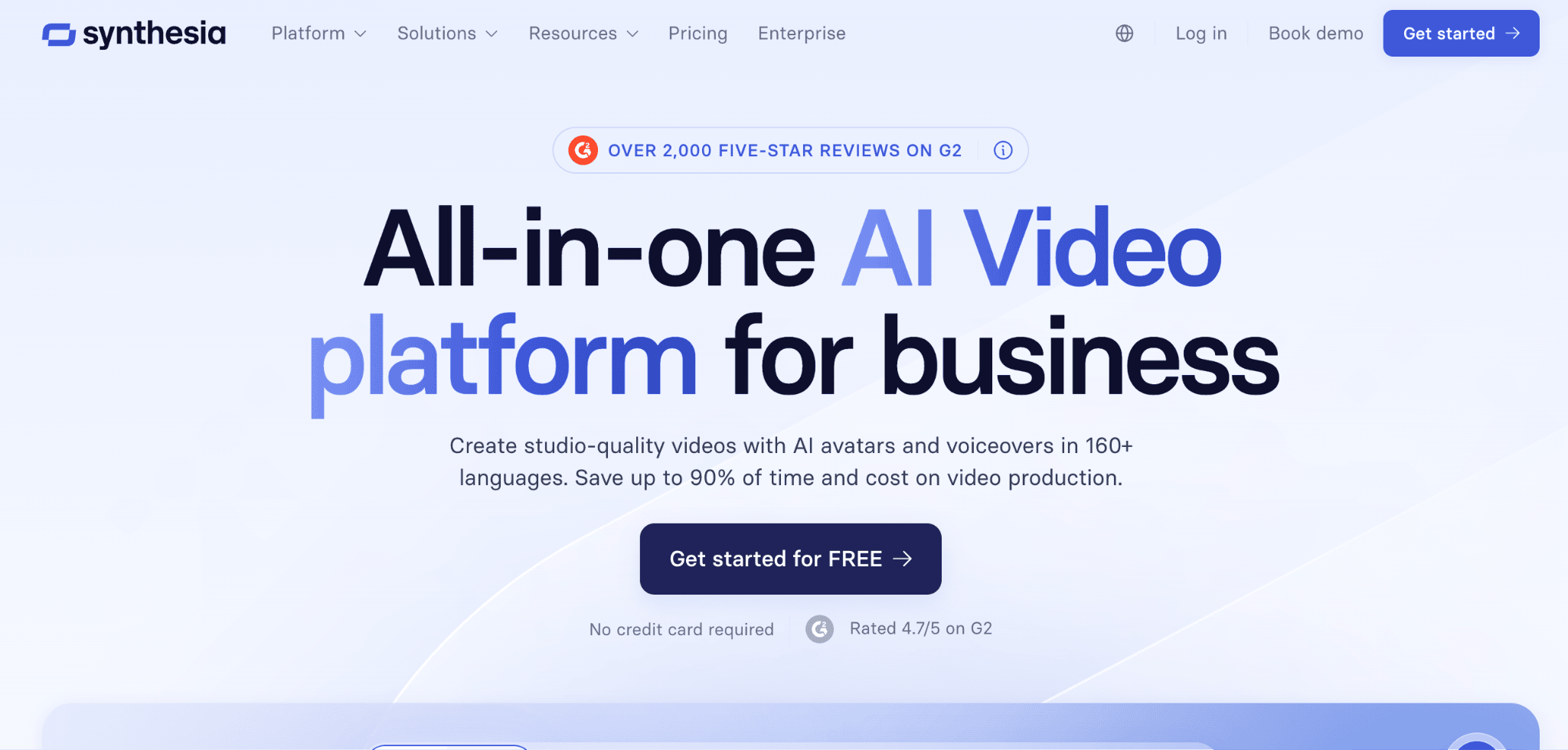
According to Synthesia’s own product page, the platform translates existing videos into more than 140 languages while preserving each speaker’s own voice and syncing their lips to the new audio. The same page describes a multilingual video player, so a single shared link automatically serves the right language version to each viewer.
The built-in transcript editor lets teams adjust terminology before publishing, which matters when a translated video uses a company-specific term or product name. Synthesia also supports multi-speaker videos and automatically generates subtitles alongside every dubbed version, so a training team gets a fully localized asset without touching a second tool.
Because Synthesia is also a full AI avatar platform, teams that want to build multilingual videos from scratch, not just translate existing footage, can do both inside one workspace.
Synthesia offers three avatar types: Customizable Avatars, which are prompted into any scene, outfit, or on-screen action and generated by Veo 3 without filming or manual editing, and Personal Avatars, built from a single uploaded photo or short video with an option to clone the user’s voice so the finished video looks and sounds like them.
The third type, Realistic Stock Avatars, gives teams a library of more than 240 ready-made presenters with natural body language and accurate lip-sync built in, so a first video can go out with zero setup. That combination of avatar-led creation and existing-footage translation is what separates Synthesia from single-purpose translation tools further down this list.
A customer case study on Synthesia’s site describes one enterprise localization task dropping from roughly 100 hours to about 10 minutes after switching to the platform.
That figure appears as a customer testimonial on Synthesia’s own case studies page rather than an independently audited benchmark, so it reflects one team’s reported experience rather than a guaranteed result.
2. Colossyan: Best for Corporate Training and E-Learning
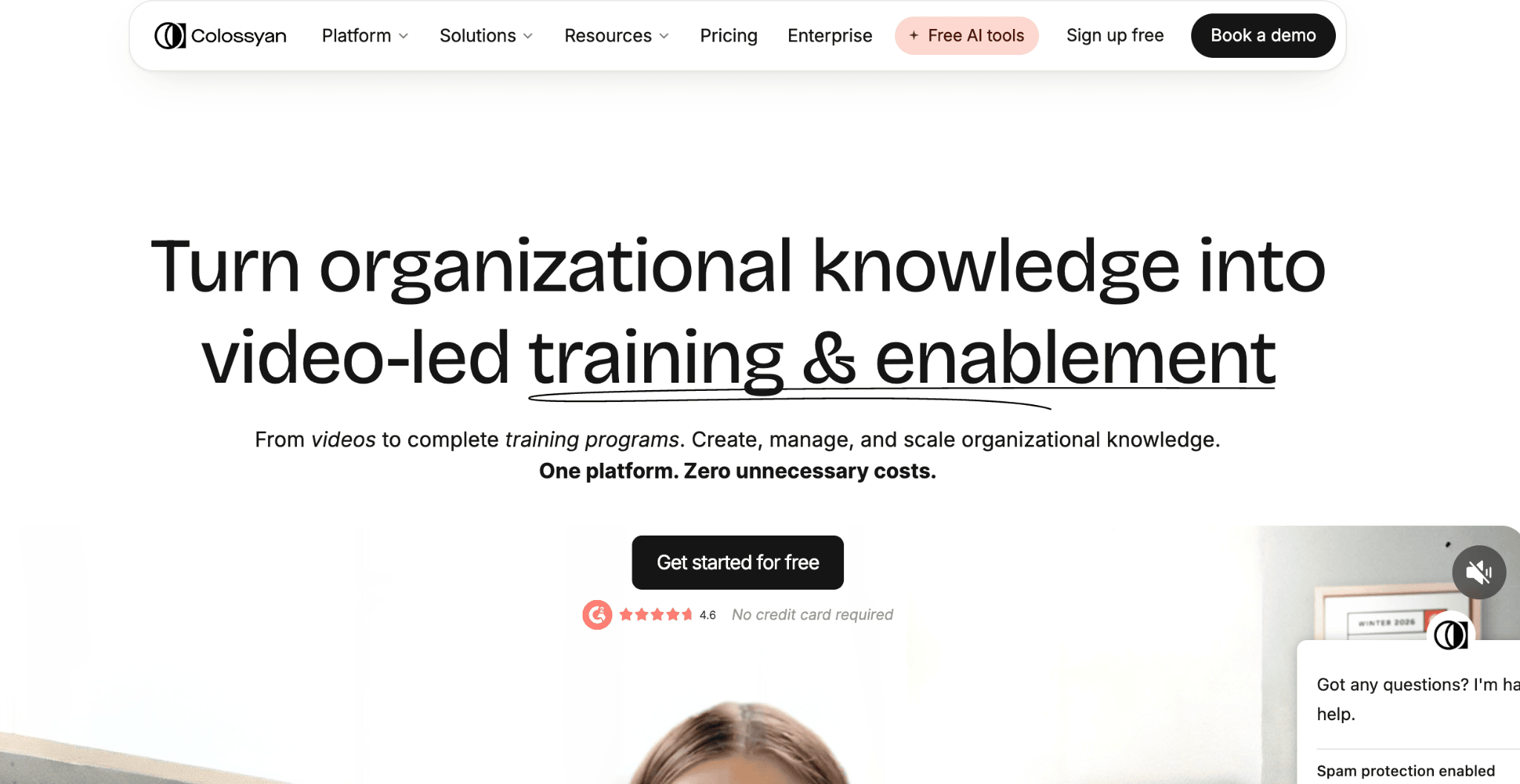
Colossyan takes a different approach: instead of dubbing existing footage, it regenerates video using the same AI avatar speaking each target language natively. That method produces near-perfect lip-sync because the avatar was never filmed in the first place, and Colossyan’s own homepage lists localization into more than 100 languages as part of the platform.
This approach only works for videos originally created inside Colossyan’s own avatar platform, so it is not a fit for translating footage of real people.
For learning and development teams building training libraries from scratch, though, the ability to update a script once and regenerate every language version automatically, a capability Colossyan highlights on its avatars page, is a genuine time saver.
3. Rask AI: Best for Multi-Speaker Localization
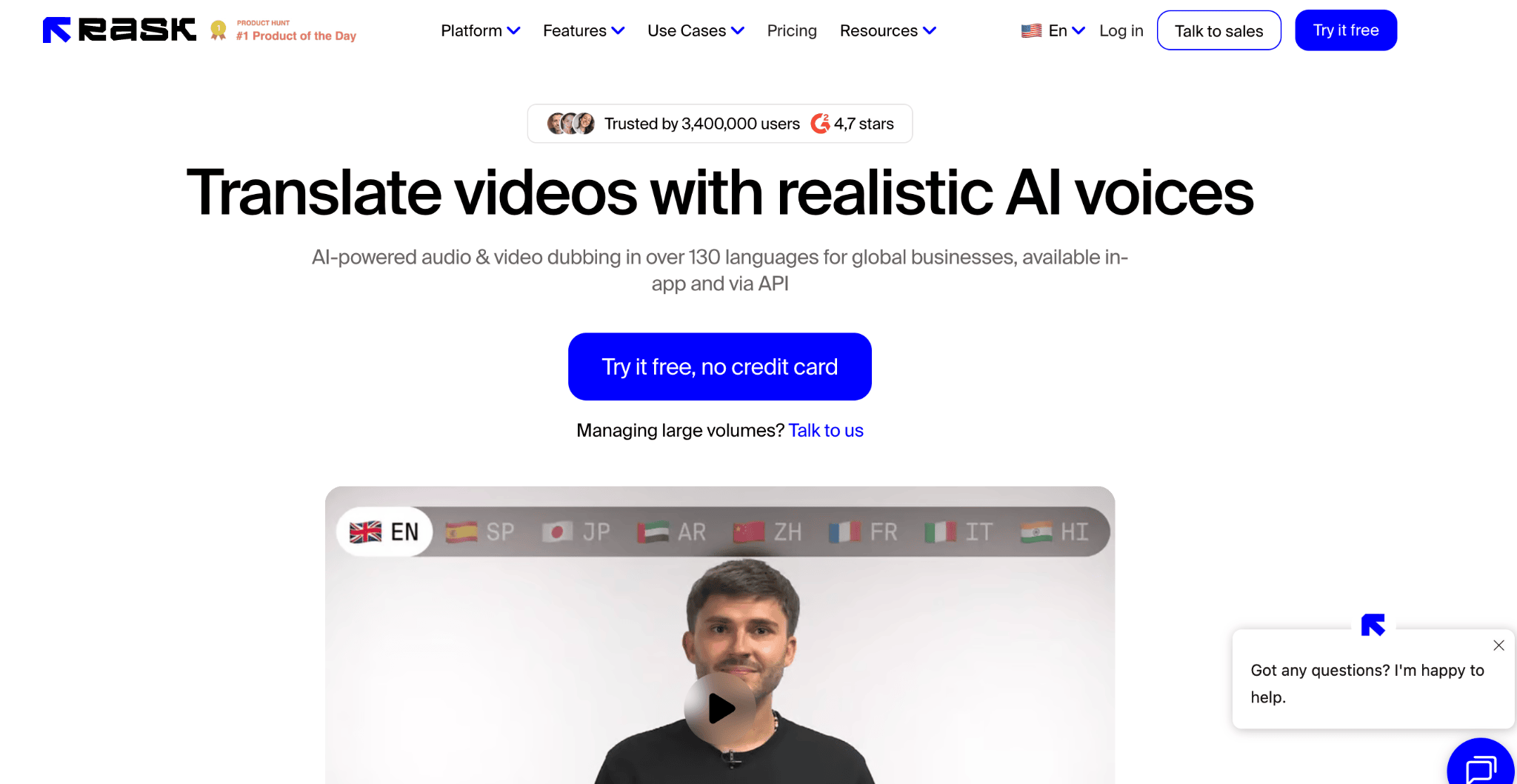
Rask AI’s own pricing page confirms video translation with emotion-preserving voice cloning on every plan, and the platform’s marketing describes automatic speaker detection that assigns distinct cloned voices to each person in a panel discussion, interview, or webinar recording.
That makes it a reasonable option for media and L&D teams handling multi-presenter content that other tools flatten into a single voice.
Lip-sync is reserved for higher-tier plans, and the minute-based model means costs climb quickly for teams translating into several languages at once.
A 2026 pricing breakdown from GeckoDub puts Rask AI’s entry-level Creator plan at $50 a month for 25 minutes of dubbing without lip-sync, though other trackers report different entry prices, so current figures are worth confirming directly with Rask AI before budgeting.
4. ElevenLabs Dubbing: Best for Voice Quality
ElevenLabs built its reputation on speech synthesis, and its own documentation confirms that Dubbing supports more than 90 languages while preserving each speaker’s tone, pace, and identity.
A 2026 platform comparison from Soloa names ElevenLabs the leader on voice cloning fidelity among the tools it tested, particularly for narration-heavy content like documentaries and podcast-to-video conversions.
The tradeoff is that ElevenLabs is an audio-first platform, so lip-sync is limited compared to avatar-native tools like Synthesia. Per ElevenLabs’ pricing page, dubbing draws from the same credit pool as every other feature on the platform, starting at $6 a month for the Starter plan, meaning heavy dubbing use can eat into credits needed for text-to-speech or voice cloning elsewhere.
5. Papercup (RWS): Best for Broadcast and Media
RWS Holdings acquired Papercup’s AI dubbing technology in 2025, and according to RWS’s own service page, Papercup now operates as RWS’s AI dubbing orchestration layer for TV, film, and digital content.
Every translation combines automated voice synthesis with human review from RWS’s in-house linguists before delivery.
That quality control comes at the cost of speed and accessibility. Papercup has no published self-serve pricing, and a 2026 review from Dubbing Tools puts language coverage at 70-plus, though exact figures should be confirmed with RWS directly since the company quotes custom pricing per project.
6. CAMB.AI: Best for Developer and API Workflows
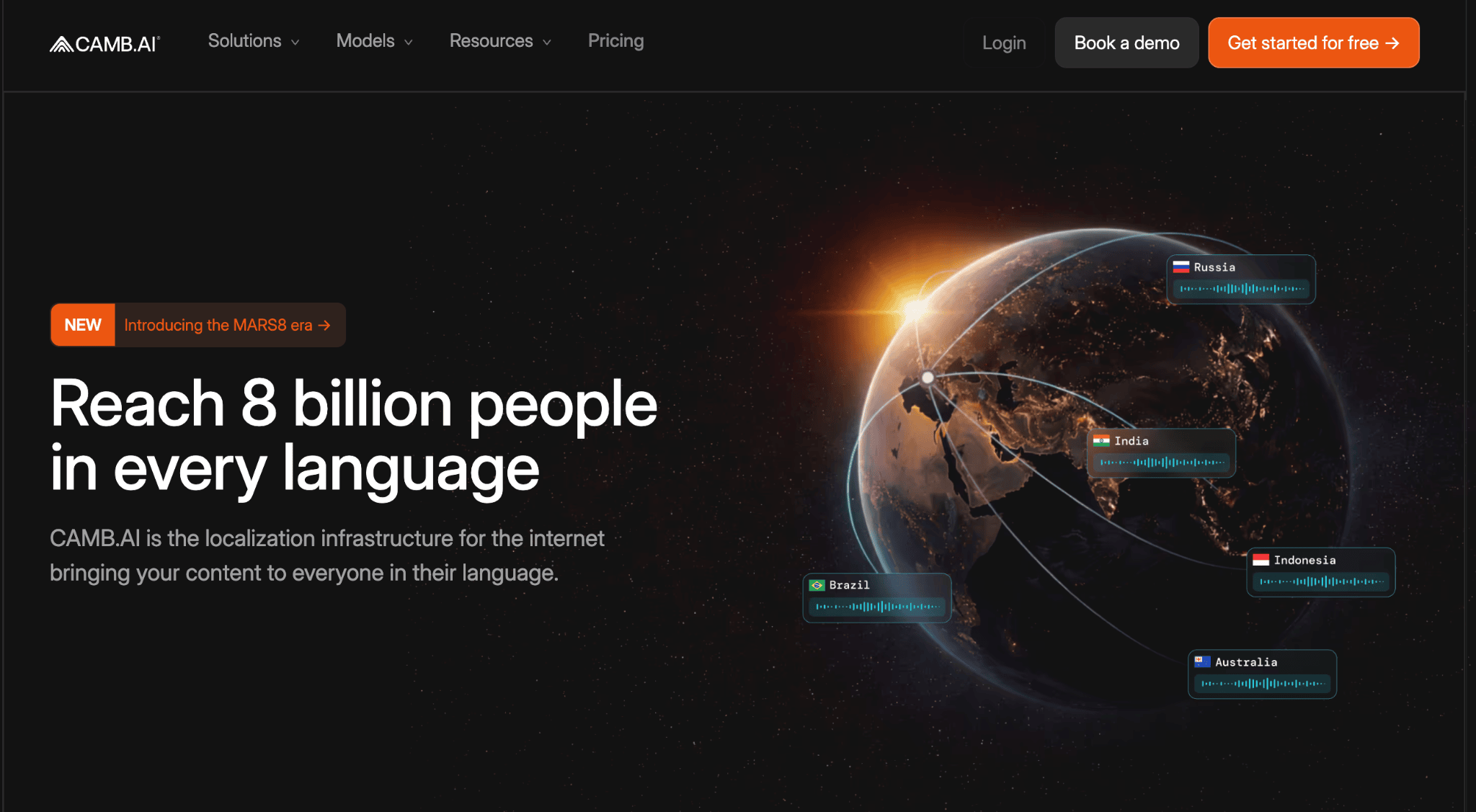
CAMB.AI’s own site states support for more than 150 languages and positions the platform as localization infrastructure rather than a polished consumer app.
Its DubStream product adds a real-time dubbing mode built for live sports broadcasts and streaming, a niche most competitors on this list do not serve, with named partners including IMAX and NASCAR.
A 2026 review from Groupify notes that CAMB.AI’s advanced features carry a real learning curve for new users, since the platform leans toward API-first integration rather than a drag-and-drop editor.
Engineering teams building localization into a larger product or pipeline get the most value out of CAMB.AI, while marketing teams looking for a turnkey tool should look elsewhere on this list.
Choosing the Right Tool for Your Team
The right choice depends on whether you are translating footage you already filmed or building a multilingual video from scratch. For most business use cases, from onboarding to product marketing to global sales enablement, Synthesia offers the most complete combination of language coverage, dubbing quality, and lip-sync accuracy in a single platform.
Teams with narrower needs, like broadcast-grade human review or developer-first API access, are better served by a specialist tool further down this list. Testing two or three finalists on your own footage before committing to an annual plan remains the most reliable way to judge real-world quality.
Frequently Asked Questions
Which AI video translator has the most languages?
Based on each vendor’s own claims, CAMB.AI currently lists the broadest range at 150-plus languages, with Synthesia close behind at 140-plus. Coverage numbers change frequently, so it is worth confirming current language lists directly on each vendor’s site before committing to a plan.
Do these tools translate the speaker’s actual voice, or just add subtitles?
The six tools covered here go beyond subtitles by cloning the original speaker’s voice and generating new audio in the target language. Most also apply lip-sync, adjusting the speaker’s mouth movements so the dubbed version looks natural rather than mismatched.
Is AI dubbing accurate enough for professional or regulated content?
AI translation quality is strong for common language pairs and general business content, but accuracy varies by language and by how idiomatic the source script is. For legal, compliance, or highly regulated material, a human review step, like the one built into RWS’s Papercup workflow, adds an important layer of protection.
Can I translate a video I already filmed with real people?
Yes, tools like Synthesia, Rask AI, and ElevenLabs all work from existing footage of real presenters, uploading a file or pasting a link and generating a dubbed version. Colossyan is the exception, since its native-language regeneration only applies to video originally created with its own AI avatars.
How much does AI video dubbing typically cost?
Pricing varies widely by tool and by whether lip-sync is included. Entry-level plans across this list, per each vendor’s own Synthesia and ElevenLabs pricing pages, run from free watermarked tiers up to roughly $50 a month for meaningful monthly minutes, while enterprise and broadcast-grade options like RWS’s Papercup service are quoted individually based on volume.